

If you have ever opened a new app and felt instantly tired, you are not alone. Devices promise speed and comfort, yet they often greet us with pop-ups, permissions, and menus that seem endless. Something that once took one tap now asks for five decisions. That feeling is real, and it is shared by plenty of smart, capable people. Tech did not suddenly turn against us. It grew, stacked features on features, and forgot to slow down. Like a kitchen drawer that will not close, everything still works, but it takes effort. Let’s talk about why this keeps happening. Also, see how you should take it.
More Features Than Anyone Asked For
Modern gadgets arrive packed like overstuffed backpacks. Every update adds tools, modes, and options that sound impressive during a launch video. In daily life, many of those extras sit untouched. They wait quietly while we search for the one setting we actually need. This pileup changes how devices feel. Simple actions now hide behind layers of menus. You press longer, swipe deeper, and hope muscle memory kicks in. It is not that features are bad. It is that too many choices slow the brain down.
Settings Menus That Feel Like Mazes
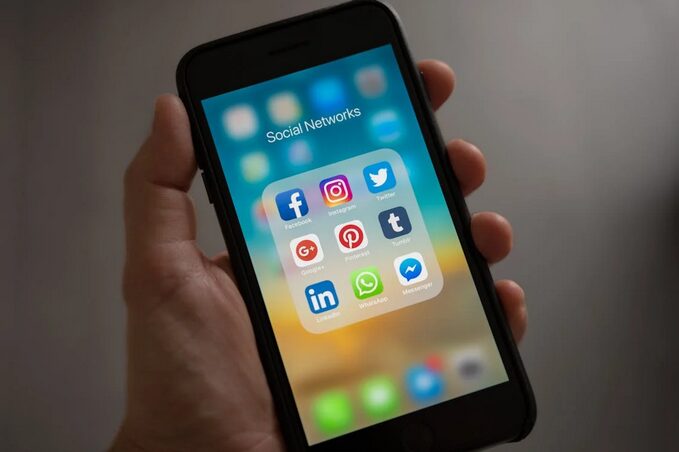
Settings used to be quick pit stops. Now they feel like road trips with poor signage. Sections expand into sub-sections, which branch again. Even confident users sometimes pause and wonder if they are in the right place. This structure creates friction. Instead of adjusting something quickly, people delay it or give up. That hesitation adds up over time. Tech starts feeling heavy instead of helpful. The irony is clear. Settings exist to give control. When they overwhelm, control slips away. That is a design problem, not a user problem.
Updates That Change Too Much at Once
Software updates are meant to improve things. Sometimes they do. Other times, they move buttons around like furniture in the dark. You wake up to a screen that looks familiar but behaves differently. It throws off the rhythm. Change itself is not the villain. Sudden change without guidance is. People build habits around tools. When updates break those habits overnight, frustration follows. Frequent updates also create fatigue. Users stop reading notes. They just tap accept and brace for impact. That reaction says a lot.
Devices Talking to Each Other Poorly
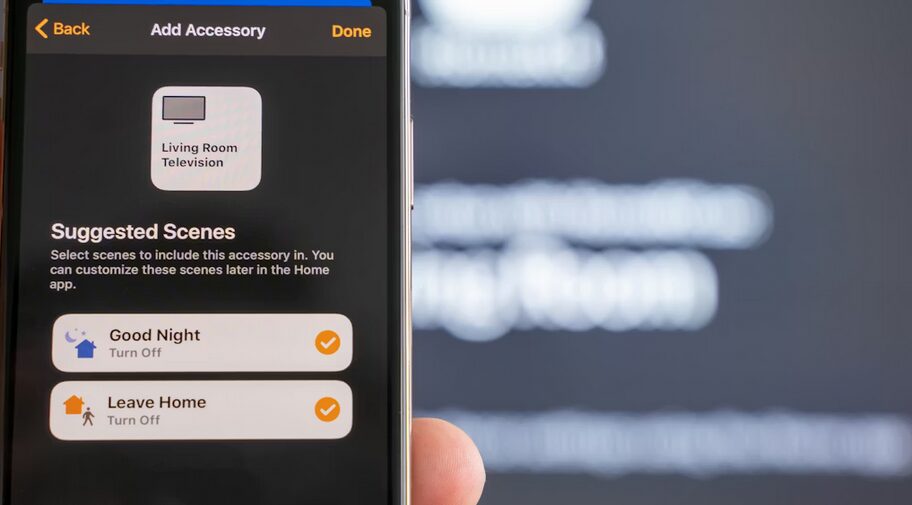
Smart homes sound great in theory. Lights, speakers, phones, and screens all chatting happily. In practice, they argue like siblings. One update breaks a connection. Another demands a new login. This lack of harmony adds mental load. You remember which app controls what. You remember which device listens best. That mental checklist grows longer every year. Tech ecosystems promise smooth experiences. When they fall short, people feel tricked. Trust erodes quietly.
We Are Asked to Learn Constantly
Using tech now requires ongoing education. New gestures. New icons. New rules. It feels like homework that never ends. Even enthusiasts feel it. There is also social pressure. Nobody wants to admit confusion. So people nod, smile, and search later. That silent struggle is common. The pace leaves little room to breathe. Tools change faster than comfort can settle in. That gap creates stress. Technology is not broken. It is busy. It tries to do everything and forgets how humans actually live. The desire for smarter tools is fair. The desire for calmer tools is growing louder. Maybe the next big innovation is making things feel easy again.

 looking for possible ways to increase their income. Before deciding on which binary trading option to take, there is a need for an individual to be skeptical of the claims as well as promises made by the industry. One should clearly research on different systems so as to find the more reliable and profitable.
 Binary Option Robot offers a lot of article and materials which are informational. It as well provides a detailed FAQ which is going to help an individual to equip oneself with essential tools to assist in executing successful trades so as to gain fundamental knowledge in the industry
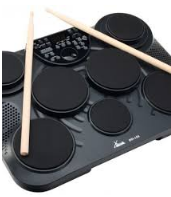 It will be difficult to identify the pros and cons of the drums just by looking at it. Therefore, when you read the reviews before hand, you get to know about the good and bad side of the drum. Through, the pros and cons you will decide on the drum that is appropriate for your needs. You can leave out the drum that has a lot of cons and goes for the one with a lot of positives. Using the review, you can determine whether you can compromise on the disadvantages and still buy the drum or not.
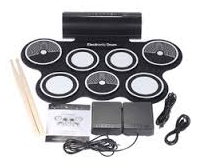 Getting a drum with the features you want can be a daunting task if you do not have where to start from. However, through reading a review, you can see the features of the product before you make a purchase. It will be easier to determine the drum set that has all the exact features that you want. There is no need to choose a drum without first considering the features it has to offer. The only thing you have to do is just read the review, and you will be on your way to getting the right drum.